

How to size a UPS for a shop or small office
Most undersized backup systems fail for the same reason: someone added up the wattage printed on the appliances, ignored the motors, and picked a unit to match. Here is a method that avoids that.
1. List what must keep running
Not everything. A shop that has to keep billing needs the till, the printer, the network, the cameras and some lights. The air conditioner is a separate decision, because it is often most of the load.
2. Write down the running power of each item
Read the nameplate or the manual. If it gives amps, multiply by the supply voltage (230 V). A typical small shop: ten LED panels at 36 W, one till and printer at 80 W, a network rack at 120 W, eight cameras and a recorder at 90 W. That is 650 W.
3. Look for motors
A refrigerator, a pump or a compressor draws a short burst, often about three times its running power, when it starts. The inverter must handle the total at that moment. If the fridge runs at 350 W, add roughly 700 W of surge on top of everything else that is running.
4. Choose the hours
Multiply the running load by the hours you want. 650 W for 4 hours is 2.6 kWh. Add about 10 % for inverter losses and keep a 20 % reserve so the battery is not drained to empty: about 3.4 kWh of battery energy.
5. Check the inverter against the peak
650 W running plus 700 W start-up surge is 1.35 kW. A 5 kW class unit covers it comfortably and leaves room for an inverter air conditioner.
What to avoid
- Sizing to the sum of every socket in the shop.
- Leaving the water heater or a heater on the backed-up circuit.
- Choosing on price per kVA without the hours.
The sizing calculator does these steps for you, and we check the result against your nameplates before we quote.
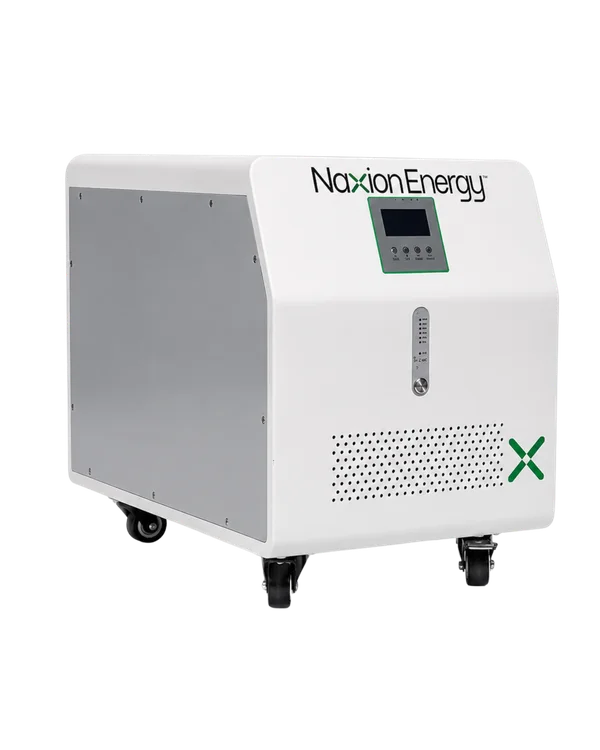
Product image: Naxion Energy.
Get your quote today
Tell us what you run and where. We reply with the right Naxion system and a written quote.